
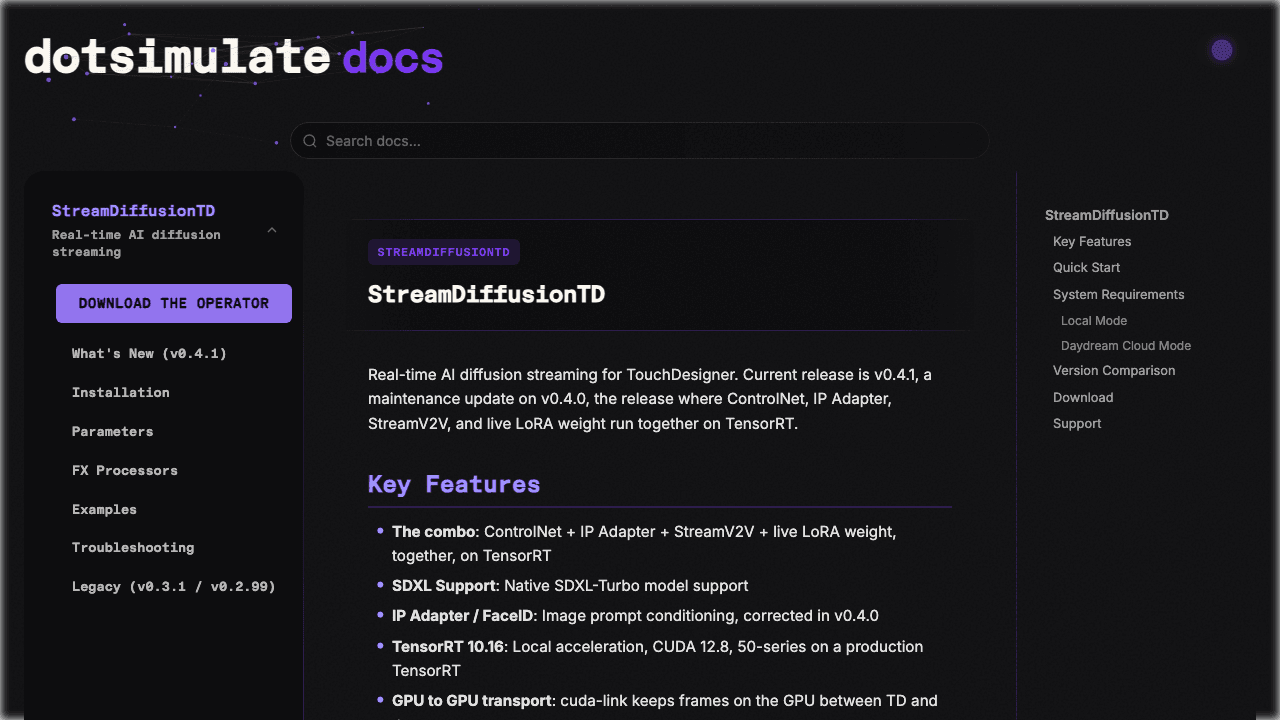
StreamDiffusionTD: Real-Time AI Diffusion Operator for TouchDesigner
Connect real-time diffusion visuals to TouchDesigner through a dedicated operator. StreamDiffusionTD documents local GPU and Daydream cloud modes for different setups.
What is StreamDiffusionTD?
StreamDiffusionTD adapts real-time AI diffusion to TouchDesigner workflows. It is intended for creators building live visuals, interactive installations or other node-based video systems. The operator exposes visual-generation controls inside the environment those creators already use. Local and cloud modes have different prerequisites. The reviewed documentation specifies Windows and an NVIDIA GPU for the local route, while the Daydream cloud route can be used on systems including Mac. Read the current version’s installation instructions instead of combining steps from older releases.
How to use StreamDiffusionTD
Local Windows GPU Performance Mode
Local GPUHarness local NVIDIA TensorRT acceleration for zero-latency 60+ FPS live visuals inside TouchDesigner.
Install NVIDIA CUDA & TensorRT
Verify Python, CUDA 11.8/12.x, and matching cuDNN on Windows 10/11.
Load StreamDiffusionTD Operator
Drag the custom .tox component into your TouchDesigner network.
Connect TOP Textures & Prompts
Wire webcam or 3D viewport TOPs into input 1 and adjust prompt strings.
Capabilities and workflow
Native TouchDesigner Integration
Operates like a standard TouchDesigner TOP, allowing seamless routing with noise, feedback, and render networks.
CHOP Audio & Sensor Modulation
Modulate prompts, denoising strength, and seeds using live sound frequencies, MIDI, or OSC data.
Ultra-Fast TensorRT Acceleration
Compiles diffusion backends into highly optimized GPU engines reaching 60+ frames per second.
Stage & Installation Ready
Engineered for rock-solid stability during hours-long live electronic music and VJ performances.
Access & Pricing
Operator download is distributed via DotSimulate’s Patreon. Requires TouchDesigner installed on a compatible system.
Patreon subscription unlocks plugin updates and project files. TouchDesigner licensing and cloud compute fees apply separately.
Before you start
Prebuild Engines for Fixed Resolutions
TensorRT engines require compilation for specific resolutions (e.g. 512x512); prebuild before showtime.
Smooth CHOP Modulation Signals
Apply a Filter CHOP to noisy sensor or audio inputs to avoid rapid flickering in visual output.
Monitor GPU Thermal Throttling
Prolonged 60 FPS diffusion generates significant heat; ensure adequate airflow during live gigs.
Keep Python Environments Isolated
Use a dedicated virtual environment matching TouchDesigner’s internal Python version.
Frequently asked questions
QCan I use StreamDiffusionTD on a Mac?▼
Yes, through the documented Daydream cloud bridge mode, allowing macOS TouchDesigner creators to use cloud GPUs.
QWhat version of TouchDesigner is supported?▼
It is tested and maintained for recent official TouchDesigner 2023.x and 2024.x commercial and non-commercial builds.
QIs TouchDesigner required to use this?▼
Yes, this is an operator specifically built for Derivative’s TouchDesigner visual development platform.
QCan it react to live music in a club?▼
Yes! Connect TouchDesigner’s Audio Device In and Audio Spectrum CHOP to dynamically modulate prompt weights.
QWhere do I download the operator?▼
The operator .tox file, install tutorials, and example networks are distributed via DotSimulate’s official Patreon.
Related AI experiences and tools
AI Broadcast
A dedicated directory hub and weekly publication tracking live AI broadcast streams, video models, and streaming tools.
Daydream Live
Daydream is an interactive live-streaming platform and generative media ecosystem. Experience real-time AI audio-visual broadcasts, steer generative scenes, and build custom interactive streams with sub-second latency.
Delulu Stream
Transform a creator’s live appearance, outfit or environment and let chat trigger the changes. Delulu Stream connects interactive visual effects with a broadcasting workflow.
Decart Lucy
Explore Decart’s pioneering generative world models and real-time interactive media. Creators and developers can experience playable generative worlds like Oasis and transform video live using the sub-second Lucy engine.