
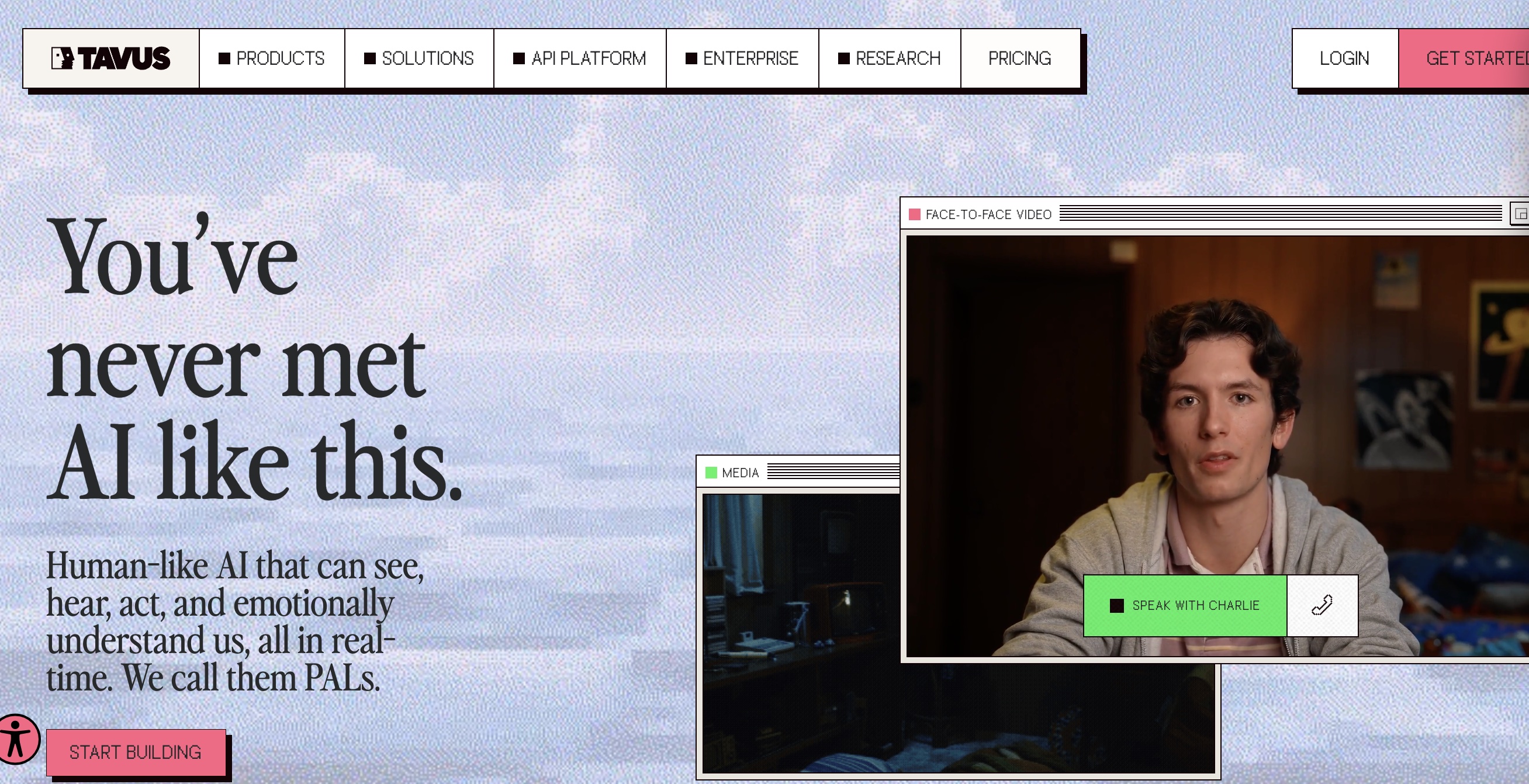
AI Video Companion
One-to-one real-time video conversation
Real-time conversational video AI companion with responsive facial expressions, natural turn-taking, and instant interruptibility.
What is AI Video Companion
AI Video Companion showcases the cutting-edge Conversational Video Interface (CVI) built by Tavus. Combining their Phoenix-2 real-time rendering model, Raven multimodal perception, and Sparrow conversational engine, it allows users to have live, face-to-face video and voice conversations with an AI avatar with human-like turn taking, emotional resonance, and sub-second latency.
How to Interact with AI Video Companion
Tavus Conversational Video Interface provides two modes: 1:1 live conversational web sessions for instant face-to-face interaction, and developer CVI APIs for creating custom digital personas.
1. Conversational Video Call: Face-to-Face Voice & Video
Connect directly with an autonomous conversational avatar. Talk via microphone and camera with sub-second response times, fluid emotional facial reactions, and human-like interruptions.
Grant Browser Media Access
Allow microphone and camera access on tavus.io to initialize the bidirectional WebRTC audio/video stream.
Speak Naturally & Interrupt Anytime
Start speaking as you would to a friend. Sparrow conversational engine analyzes full audio context, allowing you to interrupt the avatar mid-sentence without lag.
Experience Multimodal Empathy
Raven multimodal perception evaluates your tone and facial expressions, prompting Phoenix-2 to render empathetic micro-expressions in real time.
Phoenix-2 3D Gaussian Splatting
Generates photo-real facial muscles, skin textures, and crisp teeth synchronization at high framerates.
Sparrow Acoustic Turn-Taking
Distinguishes between backchannels ("uh-huh", nodding) and true interruptions, preventing awkward silent pauses.
2. CVI Developer Pipeline: Custom Personas & PALs
Developers can create customized personas (PAL: Persona Audio & Language), ingest proprietary knowledge bases, configure system prompts, and embed avatars via the @tavus/cvi-sdk.
Define Persona & Knowledge Base
Choose visual avatar base, clone custom brand voices, and upload PDF/markdown knowledge docs into the Tavus console.
Provision WebRTC Session via REST API
Make a POST request to /v2/conversations to create a real-time session URL and token backed by LiveKit infrastructure.
Mount React/Web Component
Import @tavus/cvi-sdk or LiveKit client in your React application to render the interactive conversational video stream in minutes.
Sub-600ms Round-Trip Latency
Optimized voice activity detection, streaming token generation, and parallel splatting achieve imperceptible conversation latency.
Custom Webhooks & Conversation Analytics
Receive real-time transcripts, sentiment scores, and conversation summaries automatically at session end.
AI Video Companion Core Features
Sub-second Voice & Video Latency
Real-time lip-sync and expression generation responds immediately as you speak.
Natural Turn-taking & Interruption
Allows callers to interrupt mid-sentence just like talking to a real human.
Full CVI Developer Pipeline
Developers can create customized personas (PAL) with custom knowledge bases and video styling.
Viewer Pro Tips & Best Practices
Master these advanced strategies and prompt formulas to maximize your on-screen features, audio immersion, and community ranking.
Use Headphones for Optimal Duplex Clarity
Wearing headphones prevents microphone feedback loops and allows Sparrow acoustic algorithms to detect your speech interruptions with maximum precision.
Optimize Knowledge Base Chunking for Speed
For developers integrating CVI, structuring knowledge chunks into concise Q&A pairs rather than lengthy paragraphs cuts first-token latency in half.
Ensure Clean Frontal Lighting
Raven multimodal perception evaluates visual cues (smiles, confused head tilts). Clean frontal light ensures the AI avatar reacts to your expressions accurately.
AI Video Companion Viral Moments & Milestones
Infinite Slop sparked massive engagement across global tech and creator communities. Below are official milestone posts and viral analytics shared by creator Pieter Levels (@levelsio):
Tavus Breaks Real-Time Barrier with Phoenix-2
Tavus introduced Phoenix-2 based on 3D Gaussian Splatting, demonstrating the world first sub-second conversational video interface.
Live Interrupt Demo Stuns Developer Community
A live screen recording showing a caller interrupting the AI avatar mid-sentence without lag reached front-page trending across tech media.
Technology & Streaming Architecture
Access, Pricing & Commercial Model
Interactive demos are freely accessible on tavus.io. Commercial and developer integration uses usage-based API plans.
Frequently Asked Questions (FAQ)
What is the AI Video Companion experience?
It is a 1:1 real-time video conversational agent where you can speak via microphone and camera, and the AI avatar listens, reacts, and responds face-to-face.
How is this different from a traditional broadcast livestream?
Unlike one-to-many broadcast streams where viewers only type chat messages, AI Video Companion creates an individualized, private two-way video call.
What technology powers Tavus conversational video?
It uses Tavus Conversational Video Interface (CVI), featuring Phoenix-2 for realistic facial video synthesis, Raven for audio/visual perception, and Sparrow for conversational turn-taking.
Can I try it for free?
Yes. Tavus offers interactive web demos on tavus.io where you can test the conversation directly.
Explore Related Live Channels
View all channels →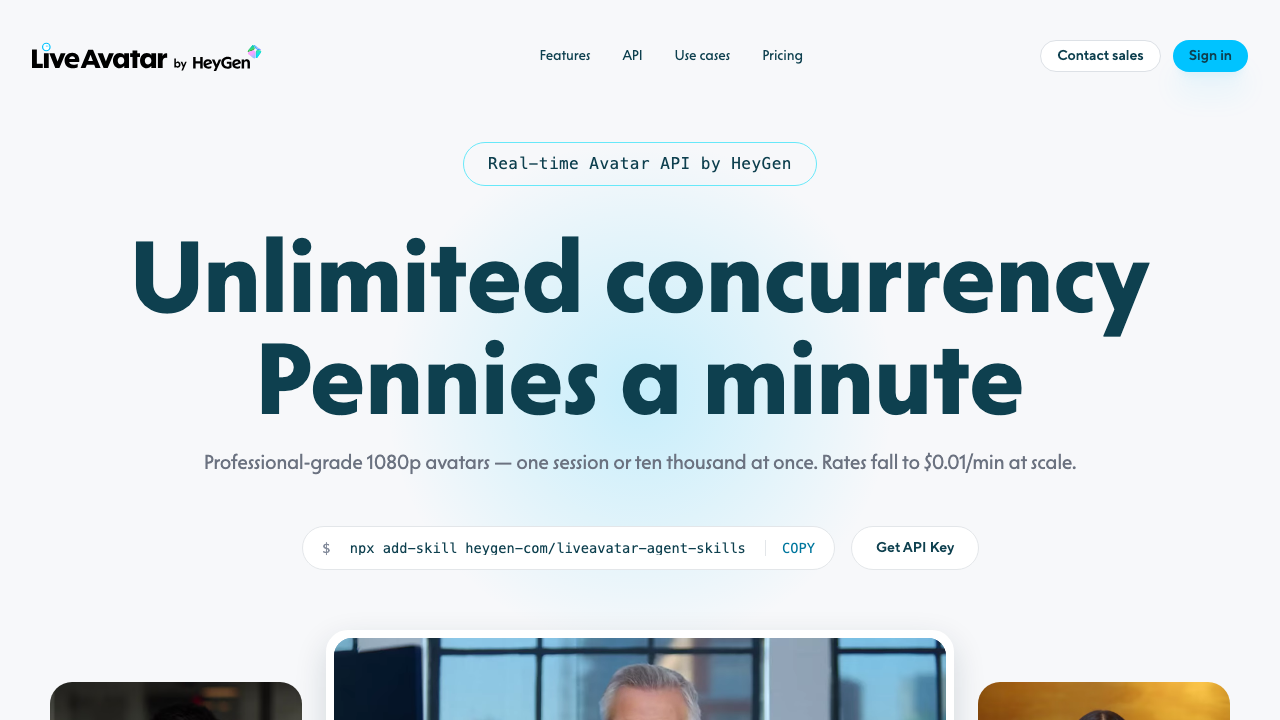
HeyGen LiveAvatar
A real-time conversational avatar platform and SDK for building interactive AI hosts, tutors, and low-latency video calling agents.
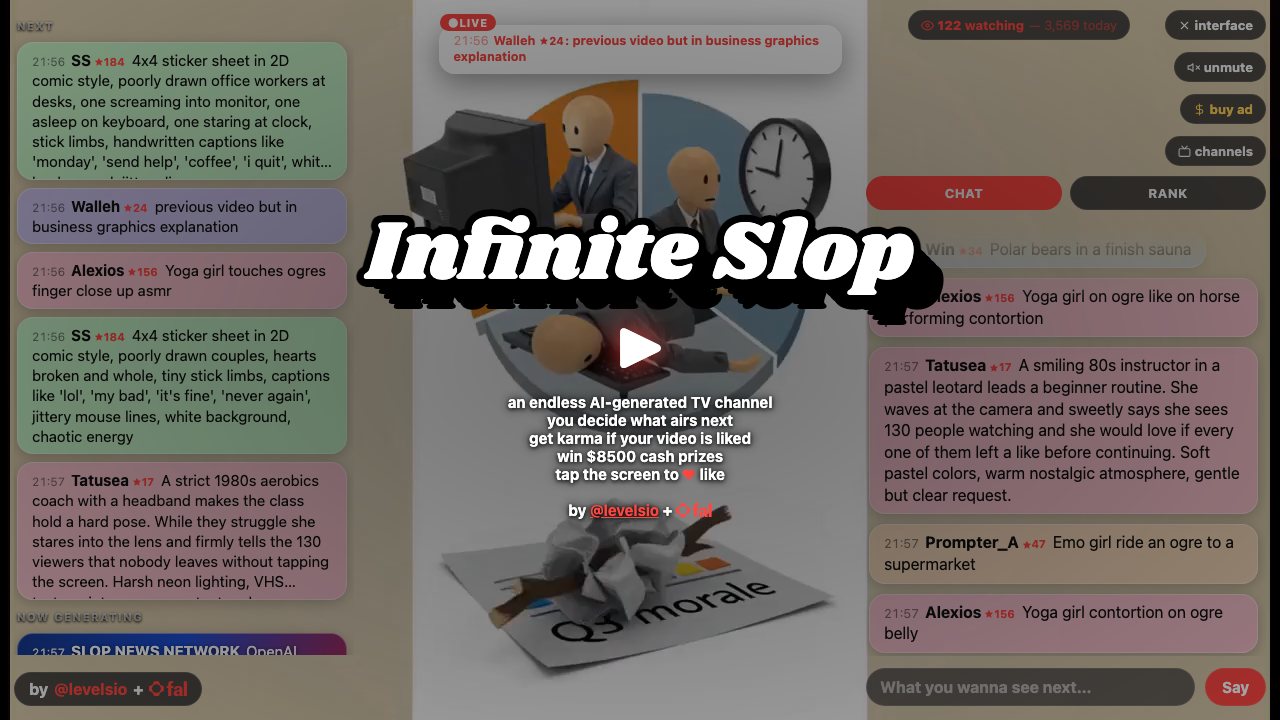
Infinite Slop
Watch Infinite Slop (infiniteslop.ai) — the 24/7 AI generated live stream created by Pieter Levels (@levelsio). Chat-driven AI video road trip powered by the MiniMax H3 Max AI video model on fal.ai.
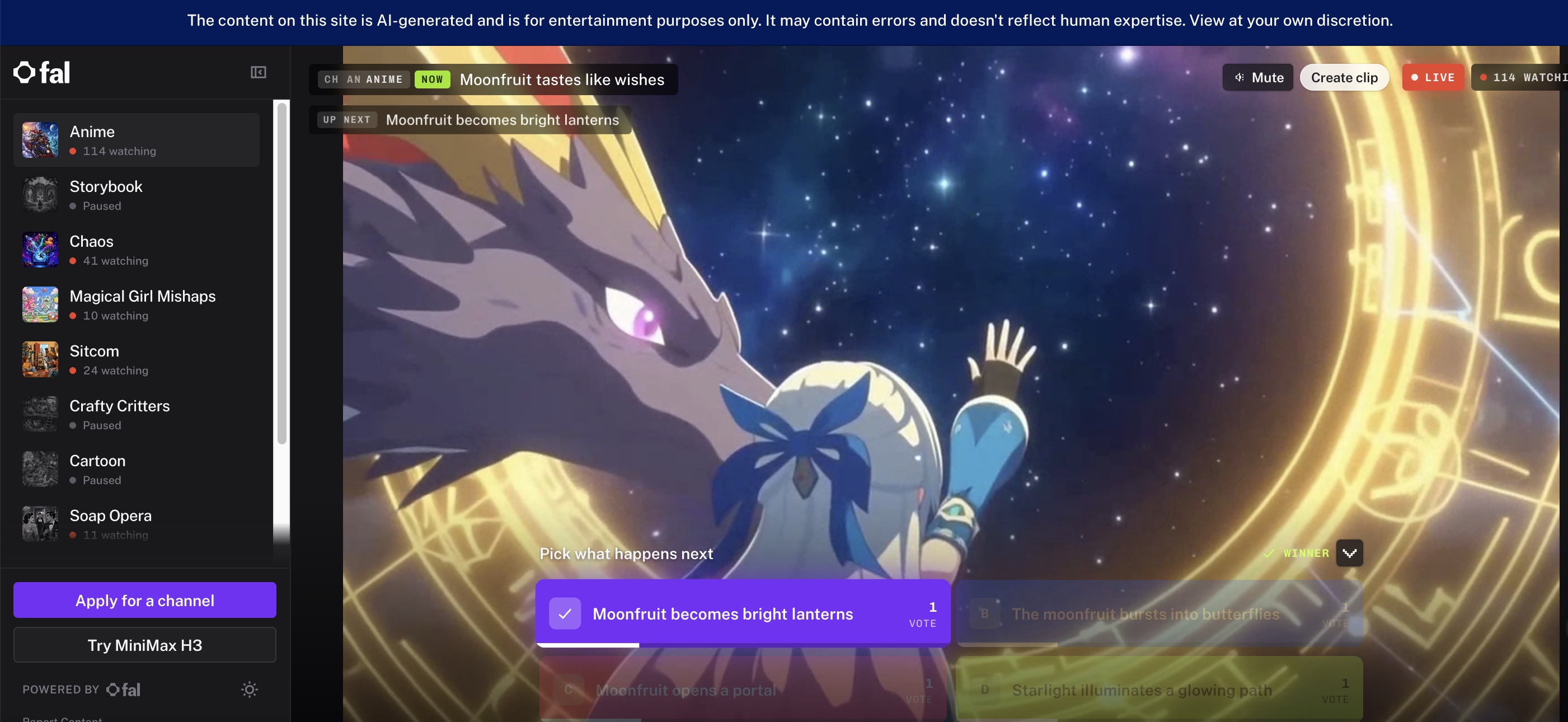
fal.live
fal.live is an interactive AI television broadcast network powered by fal.ai and MiniMax H3 Max video models. Viewers direct continuous live streams across 6 channels (Anime, Chaos, Sitcom, Soap Opera, Popcorn, Wildlife) with real-time story voting and open channel proposals.
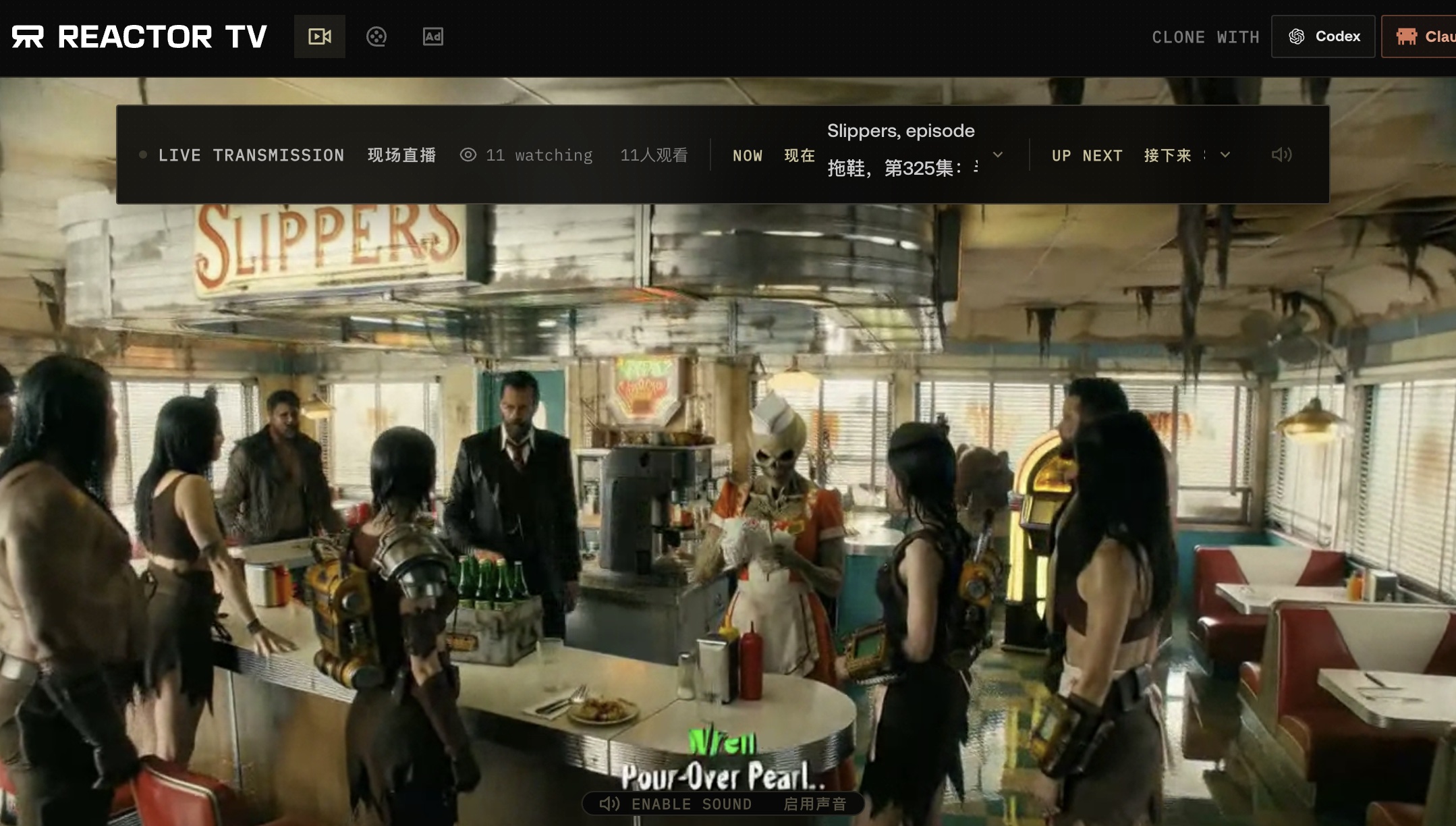
Reactor TV
A continuous story network exploring episodic shows, programming schedules, and audience-directed scenes.